
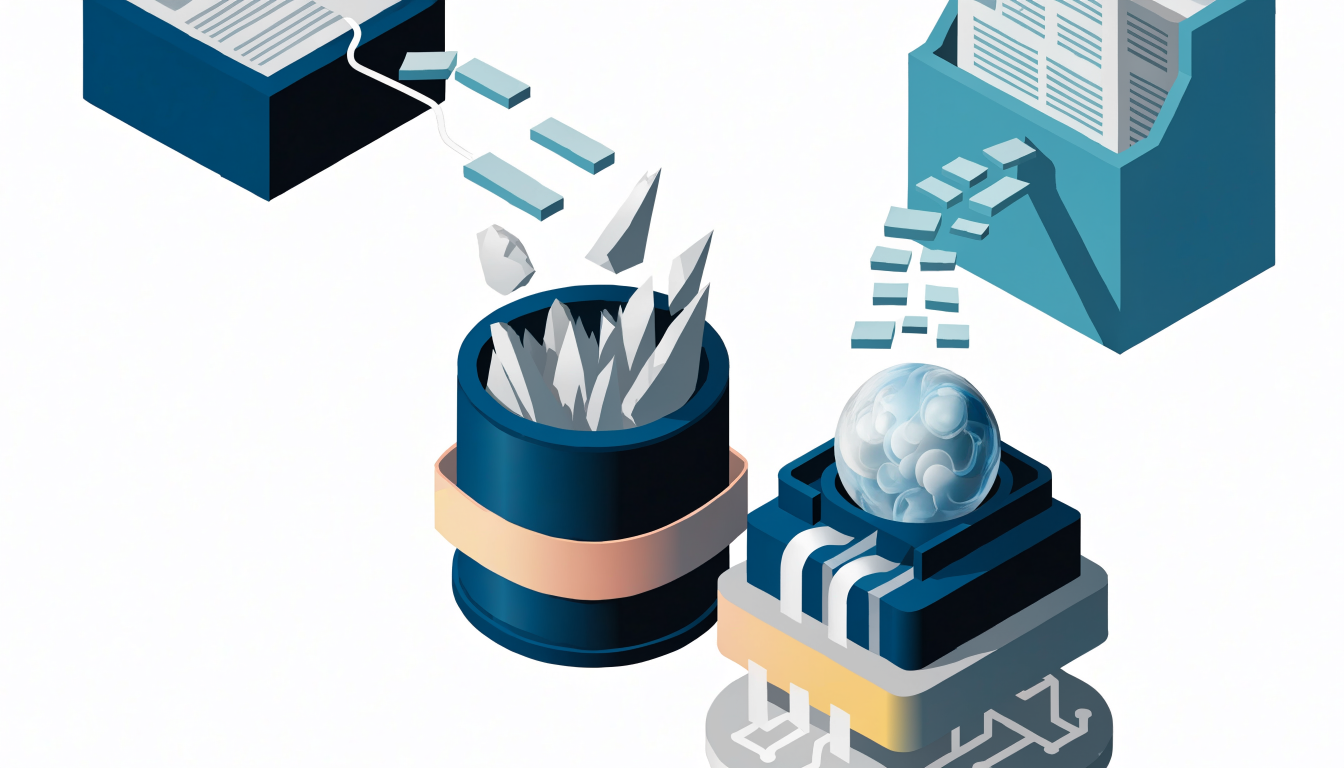
Retrieval-Augmented Generation, or RAG, solves one of the most common problems with large language models: they don't know anything about your private data. If you want an AI assistant that answers questions from your company wiki, your product documentation, or a folder of PDFs, fine-tuning is usually the wrong first move. Building a RAG application is faster, cheaper, and easier to keep up to date. This tutorial walks through the full process of how to create a RAG application from scratch — ingesting documents, chunking text, generating embeddings, storing them in a vector database, and wiring retrieval into an LLM call — using Python and a minimal, framework-free setup so you understand every moving part.
What a RAG Application Actually Does
A RAG application combines two systems: a retriever that finds relevant text for a user's question, and a generator (an LLM) that answers using that retrieved text as context. Instead of relying on the model's training data, you ground its answers in documents you control.
The flow looks like this:
- Offline, you split your documents into chunks, convert each chunk into a vector embedding, and store those vectors in a database.
- At query time, you embed the user's question, find the stored chunks whose vectors are most similar to it, and paste those chunks into the LLM prompt alongside the question.
- The model answers using the provided context, which dramatically reduces hallucinations and lets you cite sources.
This matters for web developers because RAG is now the standard pattern for chatbots over documentation, internal knowledge assistants, and support tools. It also has real limits: if the right chunk isn't retrieved, the model can't answer correctly, so most of your engineering effort goes into retrieval quality rather than prompt writing.
Prerequisites and Project Setup
You need Python 3.10 or later and basic familiarity with pip. Install the dependencies:
pip install openai chromadb sentence-transformers
For this tutorial you'll use:
- OpenAI's API for both embeddings and chat completions (any provider with an embeddings endpoint works — the structure stays the same).
- ChromaDB, an open-source embedded vector database that runs locally with no server, which is ideal for learning and prototyping.
- sentence-transformers as a free, local alternative for embeddings if you don't want to pay per token.
Set your API key as an environment variable rather than hardcoding it:
export OPENAI_API_KEY="sk-..."
One practical decision to make early: whether to use API-based embeddings or local ones. API embeddings are high quality and require no infrastructure, but every document and every query costs money and requires a network call. Local models like those from sentence-transformers are free and fast enough for many workloads, at the cost of somewhat lower retrieval quality on difficult queries. For a first build, either works; just don't mix them — documents embedded with one model must be queried with the same model, or similarity scores become meaningless.
Step 1: Ingest and Chunk Your Documents
Chunking is the step developers most often get wrong. If chunks are too large, each one contains multiple topics and retrieval returns noisy, diluted context. If they're too small, you lose the surrounding meaning needed to answer a question. A reasonable starting point is chunks of roughly 300–800 characters with some overlap between consecutive chunks, adjusted to your content.
Here's a simple, dependency-light chunker for plain text:
def chunk_text(text: str, chunk_size: int = 600, overlap: int = 100) -> list[str]:
    chunks = []
    start = 0
    while start < len(text):
        end = start + chunk_size
        chunk = text[start:end]
        chunks.append(chunk)
        start = end - overlap
    return chunks
For real documents, load them first. Plain text files are trivial; PDFs and HTML need a parser such as pypdf or beautifulsoup4. A minimal ingestion script:
from pathlib import Path

def load_documents(folder: str) -> list[tuple[str, str]]:
    documents = []
    for path in Path(folder).glob("*.txt"):
        documents.append((path.name, path.read_text(encoding="utf-8")))
    return documents

all_chunks = []
for filename, text in load_documents("./docs"):
    for i, chunk in enumerate(chunk_text(text)):
        all_chunks.append({
            "id": f"{filename}-{i}",
            "text": chunk,
            "source": filename,
        })
Each chunk keeps metadata pointing back to its source file. Note that chunk IDs are built from the filename plus the chunk index — this makes them deterministic and collision-free, so two different documents can never overwrite each other's chunks. (Deriving IDs from the document text is a subtle bug: two files with a shared header would collide.) You'll need the source metadata later to show citations — an answer without a source is much harder to trust. For structured content like Markdown, a better approach is to split on headings so chunks align with logical sections rather than cutting mid-sentence at an arbitrary character count.
Step 2: Generate Embeddings and Store Them in a Vector Database
An embedding is a fixed-length vector — commonly in the low thousands of dimensions for current text embedding models — where semantically similar texts land close together in vector space. The exact dimension count depends on the model, so check your provider's model documentation for the number rather than assuming a value. You embed every chunk once and store the result.
Using Chroma with OpenAI embeddings:
import chromadb
from chromadb.utils.embedding_functions import OpenAIEmbeddingFunction
import os

client = chromadb.PersistentClient(path="./chroma_db")

collection = client.get_or_create_collection(
    name="docs",
    embedding_function=OpenAIEmbeddingFunction(
        api_key=os.environ["OPENAI_API_KEY"],
        model_name="text-embedding-3-small",
    ),
)
Because Chroma computes embeddings automatically when you configure an embedding function, you never handle raw vectors in this code path. PersistentClient writes the index to disk, so your data survives between runs — important because re-embedding an entire corpus on every startup wastes both time and money.
One honest caveat: the snippet above was written against the general shape of ChromaDB's Python API, not pinned to a specific release. ChromaDB's embedding-function module layout and its constructor arguments have changed across versions. Before relying on it, check the documentation for the ChromaDB release you install — if the import path or argument names differ, adjust accordingly. The surrounding logic (persist a client, create a collection with an embedding function, upsert documents) is stable across versions even when the exact spelling is not.
Two practical details worth knowing:
- Deduplicate before inserting. If your ingestion script runs twice, you don't want duplicate chunks and duplicate results. The
upsertcall below, combined with the deterministic chunk IDs, makes re-running the script idempotent: existing chunks are updated in place rather than duplicated. - Cosine similarity is the default mental model, but what matters is that the query and documents are compared consistently by the database. Chroma handles this internally; you don't need to implement similarity yourself.
collection.upsert(
    ids=[c["id"] for c in all_chunks],
    documents=[c["text"] for c in all_chunks],
    metadatas=[{"source": c["source"]} for c in all_chunks],
)
Step 3: Retrieve Context and Generate Answers
Now wire the two halves together. First, create the OpenAI client — it reads your OPENAI_API_KEY environment variable automatically:
from openai import OpenAI

openai_client = OpenAI()
The query flow is: embed the question, retrieve the top-k chunks, build a prompt, and call the chat model.
def answer_question(question: str, k: int = 4) -> str:
    results = collection.query(query_texts=[question], n_results=k)

    contexts = []
    for doc, meta in zip(results["documents"][0], results["metadatas"][0]):
        contexts.append(f"[Source: {meta['source']}]
{doc}")

    context_block = "\n\n---\n\n".join(contexts)

    response = openai_client.chat.completions.create(
        model="gpt-4o-mini",
        messages=[
            {
                "role": "system",
                "content": (
                    "Answer the user's question using only the provided context. "
                    "If the context doesn't contain the answer, say so clearly. "
                    "Cite the source labels in square brackets."
                ),
            },
            {
                "role": "user",
                "content": f"Context:
{context_block}

Question: {question}",
            },
        ],
    )
    return response.choices[0].message.content

print(answer_question("How do I reset my API key?"))
Two design choices in this snippet are deliberate and worth copying. First, the system prompt explicitly permits the model to say "I don't know" — without that instruction, models tend to invent plausible-sounding answers when the context is irrelevant. Second, each context block is labeled with its source, which lets the model produce citations you can verify.
Choosing k (how many chunks to retrieve) is a real tradeoff. More chunks increase the chance the answer is present, but also add noise, cost more tokens, and can push the model toward summarizing irrelevant text. Start with 3–5 and tune based on where answers fail.
Common Mistakes and Production Considerations
The most frequent failure mode in RAG applications isn't the LLM — it's retrieval. Watch for these issues:
- Chunking that ignores structure. Splitting a table, code block, or heading hierarchy at fixed character boundaries destroys meaning. Split on natural boundaries where possible.
- Missing query preprocessing. Users ask vague questions. Normalizing the query, or having the LLM rewrite it into a search-friendly form, often improves retrieval more than changing embedding models.
- No evaluation. Collect 20–50 real questions with known correct source documents, and check whether retrieval surfaces them. Without this, you're tuning blind. Frameworks like LangChain and LlamaIndex provide abstractions for exactly this pipeline once you outgrow the manual version — see the LangChain Python documentation and LlamaIndex for structured approaches.
- Ignoring permissions. If your corpus contains private documents, retrieval must respect access control, or your chatbot becomes a data leak. Filter by user permissions at query time, not after generation.
For production deployment, move from the embedded Chroma client to a managed or server-based vector store (Chroma in server mode, pgvector if you already run PostgreSQL, or a dedicated service), add streaming responses for better perceived latency, and cache embeddings for unchanged documents. If you're exposing this through a web app, hosting the frontend on a platform like Vercel with the retrieval logic in a serverless function is a common pattern — just be mindful of function timeouts if your corpus is large.
Also know when not to use RAG. If your knowledge base is small enough to fit entirely in the context window (a few dozen short documents), just paste it in — retrieval adds complexity with no benefit. Conversely, if your data changes constantly or requires exact, transactional lookups, a traditional search or database query layer may serve users better than semantic retrieval.
Frequently Asked Questions
Not strictly. For small prototypes, you can compute embeddings for all chunks and store them in a JSON file or SQLite, then compute cosine similarity in memory. This works fine up to a few thousand chunks. A vector database becomes worthwhile when you need persistence, metadata filtering, faster approximate search, or multiple concurrent readers — which is most real applications.
Costs have two parts. One-time ingestion cost depends on corpus size; embedding an entire documentation site is usually modest with low-cost models such as OpenAI’s `text-embedding-3-small` — check current pricing before committing, as it changes. Ongoing cost comes from per-query embeddings plus the chat completion, where the retrieved context inflates your prompt token count. Local embedding models eliminate the embedding cost entirely, leaving only the generation call.
Yes. You can run a fully local stack using sentence-transformers for embeddings and an open-weight model served locally with a tool such as Ollama. Retrieval quality and answer quality will generally be lower than frontier hosted models, but the stack is free, private, and works offline — a good fit for sensitive internal data.
Fine-tuning changes the model’s weights to alter its behavior, style, or teach narrow patterns, but it’s a poor way to inject factual knowledge that changes over time. RAG keeps the model unchanged and supplies facts at query time, so updating your knowledge base is just re-indexing documents. For “answer questions about my data,” RAG is almost always the right starting point; fine-tuning is for shaping how the model responds, not what it knows.
Diagnose first: check whether the correct chunk appeared in the retrieved context. If it didn’t, the problem is retrieval — try better chunking, increasing `k`, adding a reranking step, or hybrid search combining keyword and vector matching. If the chunk was retrieved but the answer was still wrong, the problem is generation — tighten the system prompt, reduce the number of chunks, or use a stronger model.
Conclusion
Building a RAG application comes down to four steps: chunk your documents sensibly, embed and store them, retrieve the most relevant chunks at query time, and generate answers grounded in that context. The minimal Python setup in this tutorial — a chunker, ChromaDB, and an LLM API call — is genuinely production-viable for small corpora, and every piece can be swapped independently as your needs grow. The highest-leverage next step is evaluation: write twenty real questions your users would ask, check whether the right chunks get retrieved, and let those failures guide whether you improve chunking, retrieval, or prompting first. That feedback loop, more than any particular framework, is what turns a demo into a reliable product.
Transparency Note: Links in this article are not affiliate links. I recommend these tools and platforms based on their relevance to the topic, and no compensation is received for including them.