
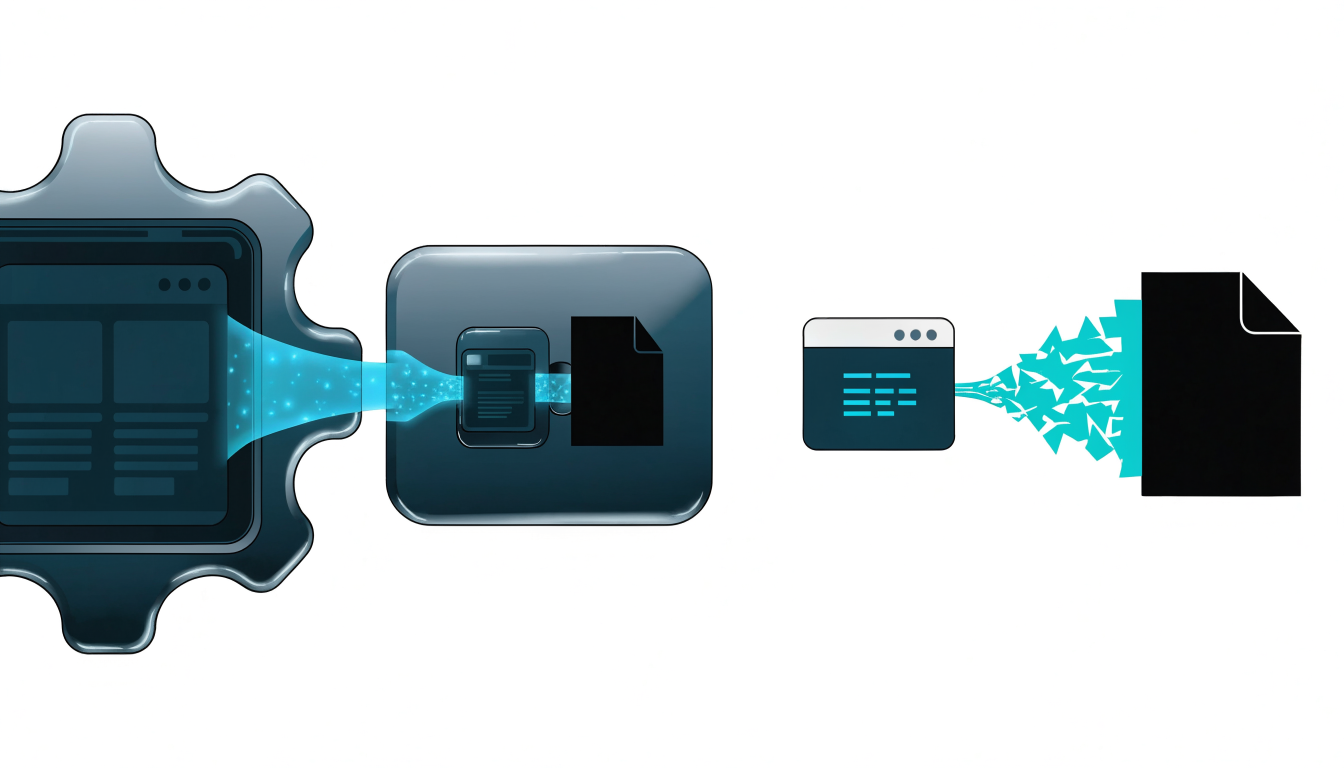
If you're building an AI pipeline, RAG system, or data-collection workflow, you've probably run into two very different names: Firecrawl, a well-established API service that turns websites into clean, LLM-ready markdown, and Obscura, a smaller, less widely documented tool that appears in discussions around privacy-conscious scraping. Comparing them isn't a straightforward feature table — they occupy different niches, have very different levels of community validation, and suit different risk tolerances. This article breaks down what each one actually offers, where the meaningful differences lie, and how to decide which fits your project without wasting a sprint on the wrong choice.
What Firecrawl Actually Does
Firecrawl is a hosted web scraping and crawling API designed specifically for AI applications. Its core value proposition is that it doesn't just fetch HTML — it converts pages into clean markdown or structured output that large language models can consume directly. You hand it a URL, and it handles JavaScript rendering, content extraction, and formatting behind the scenes.
The key capabilities that make Firecrawl popular in AI engineering circles include:
- Single-page scraping with automatic markdown conversion
- Full-site crawling from a seed URL, with configurable depth and limits
- Extraction endpoints that can return structured data based on a schema or prompt
- SDKs for Python and JavaScript, plus a straightforward REST API
A minimal scrape call looks like this:
from firecrawl import FirecrawlApp

app = FirecrawlApp(api_key="fc-YOUR_API_KEY")

result = app.scrape_url(
    "https://example.com/blog/post",
    params={"formats": ["markdown", "html"]}
)

print(result["markdown"])
For crawling an entire documentation site into a knowledge base, the crawl endpoint accepts a limit and max-depth so you can control cost and scope. This "URL in, clean text out" model is exactly why Firecrawl shows up so often in RAG pipelines and agent tooling — it removes the messy middle layer of HTML parsing, boilerplate stripping, and encoding fixes that teams otherwise build and maintain themselves.
The tradeoffs are equally clear. It's a hosted service with usage-based pricing, so your data passes through a third party, your costs scale with volume, and you depend on the platform's uptime and rate limits. For teams with strict data-residency requirements, that alone can be disqualifying.
What Obscura Is — and What's Uncertain About It
Here's where honest comparison gets difficult. Obscura is not a tool with the documentation depth, changelog history, or community footprint of Firecrawl. References to it tend to appear in the context of privacy-oriented or anti-fingerprinting browsing rather than as a mainstream scraping-as-a-service API. Unlike Firecrawl, there is no widely cited official SDK, no established pricing page, and no large body of production experience to draw from.
That doesn't automatically make it a bad choice — smaller tools can be excellent — but it changes how you should evaluate it. When a tool lacks extensive public documentation, your due diligence needs to cover things you'd normally take for granted:
- Is the project actively maintained, and who maintains it?
- What is the actual output format, and does it fit LLM ingestion?
- How is authentication, rate limiting, and error handling handled?
- Is there a self-hosted option, and what does the license permit?
A common mistake teams make with lesser-known tools is assuming capability parity with established alternatives because the category name sounds similar. "Scraping tool" can mean anything from a headless browser wrapper to a full extraction pipeline. Before committing, run a real proof of concept against your actual target sites — JavaScript-heavy SPAs, paywalled content, and bot-protected pages behave very differently, and marketing descriptions rarely capture that.
The Differences That Actually Matter for Your Decision
Rather than comparing feature lists, focus on four criteria that determine real-world success.
Maturity and ecosystem support. Firecrawl has official SDKs, documented endpoints, and broad community usage, which means Stack Overflow answers, integration examples, and predictable behavior when something breaks. With a less-documented tool like Obscura, you're more likely to be reading source code and filing issues yourself. If your team is small and shipping fast, ecosystem maturity is often worth more than any individual feature.
Output quality for LLM consumption. The reason Firecrawl exists is that raw HTML is a poor input for language models. Its markdown conversion and structured extraction are the product. If your pipeline feeds a vector database or an agent, output cleanliness directly affects retrieval quality. Whatever tool you choose, evaluate it on this axis specifically — not on raw fetch speed.
Data flow and compliance. Firecrawl is a hosted service: your target URLs and scraped content transit its infrastructure. For public marketing pages this is usually fine; for anything sensitive, contractually restricted, or behind authentication, it may not be. A self-hosted or local tool keeps data on your infrastructure, which is a genuine advantage if compliance matters — but verify that the alternative actually offers self-hosting before assuming it does.
Cost model. Firecrawl's pricing scales with usage, which is predictable and cheap at small volumes but becomes a real line item at scale. Open-source alternatives shift the cost to infrastructure and engineering time. Neither model is universally better; the crossover point depends on your volume and how much maintenance work your team can absorb.
When Firecrawl Is the Right Fit
Firecrawl is the pragmatic default in several common scenarios:
- Prototyping an AI feature quickly. When you need to prove that "answer questions about this website" works, Firecrawl gets you from URL to clean markdown in minutes, letting you focus on the retrieval and generation layers.
- Building RAG over public documentation. Crawling docs sites, converting to markdown, chunking, and embedding is a well-trodden path with Firecrawl, and the crawl endpoint is built for exactly this.
- Agent tooling. If you're building agents that need to read web pages on demand, a simple API call that returns model-ready text is far easier to integrate than managing your own browser fleet.
It's the wrong fit when you need to scrape content behind logins, when data must never leave your infrastructure, or when your scraping volume is high enough that per-request pricing dominates your budget. In those cases, a self-hosted stack — typically a headless browser plus an HTML-to-markdown conversion library — gives you more control at the cost of more engineering.
When to Look Beyond Both Tools
It's worth being explicit: neither tool is automatically the answer. If your requirements include heavy JavaScript rendering at scale, sophisticated anti-bot evasion, or scraping sites that explicitly prohibit automated access, you should step back and consider the legal and ethical dimension first. Respect robots.txt, check terms of service, and prefer official APIs where they exist. Scraping capability is not the same as scraping permission, and building a pipeline on content you're not entitled to collect is a liability regardless of which tool does the fetching.
If you're evaluating Obscura specifically, treat it as you would any early-stage or niche project: run it against your hardest real target site, check the license, verify maintenance activity on its repository, and have a fallback plan. A tool that works beautifully on three demo pages and fails on your production targets is worse than no tool at all, because you'll discover the failure after you've built around it.
Frequently Asked Questions
Firecrawl offers a free tier with limited credits alongside paid plans that scale with usage. Check the current limits on the official pricing page, since credit definitions and quotas change over time. For serious production crawling, expect the paid tiers to be the realistic option.
Yes. Firecrawl renders pages before extraction, which is one of its main advantages over simple HTTP-fetch-and-parse approaches. That said, extremely dynamic sites, aggressive bot protection, or content behind authentication can still cause issues, so test against your actual targets.
There isn’t enough public documentation or community validation around Obscura to make a confident recommendation for LLM-oriented scraping. If you’re considering it, verify its actual output formats, maintenance status, and self-hosting options with a hands-on proof of concept before building a pipeline around it.
Firecrawl’s core is available as an open-source project on GitHub, so self-hosting is possible, though the hosted service is the simplest path and includes the managed infrastructure most teams want. Review the repository documentation for current self-hosting requirements and any feature differences between the hosted and self-hosted versions.
Tools that operate a real browser session you control — such as Playwright-based setups — are the typical approach for authenticated content, since you manage the session and credentials directly. Hosted scraping services generally aren’t designed for handling your private credentials, and you should be cautious about any service that asks for them.
Conclusion
The Firecrawl vs Obscura question is really a question about maturity versus fit. Firecrawl is a proven, well-documented choice for turning public web content into LLM-ready text, and it's the sensible default for RAG pipelines, agent tooling, and rapid prototyping — provided you accept hosted-service pricing and data flow. Obscura occupies a much less documented niche, and choosing it requires more verification work on your part: check maintenance, licensing, output quality, and real-world behavior against your target sites before committing. Whichever direction you lean, the next step is the same: pick your three hardest real URLs and run both approaches against them this week. Twenty minutes of testing against production targets will tell you more than any comparison article — including this one.
Transparency Note: Links in this article are not affiliate links. I recommend these tools and platforms based on their relevance to the topic, and no compensation is received for including them.