
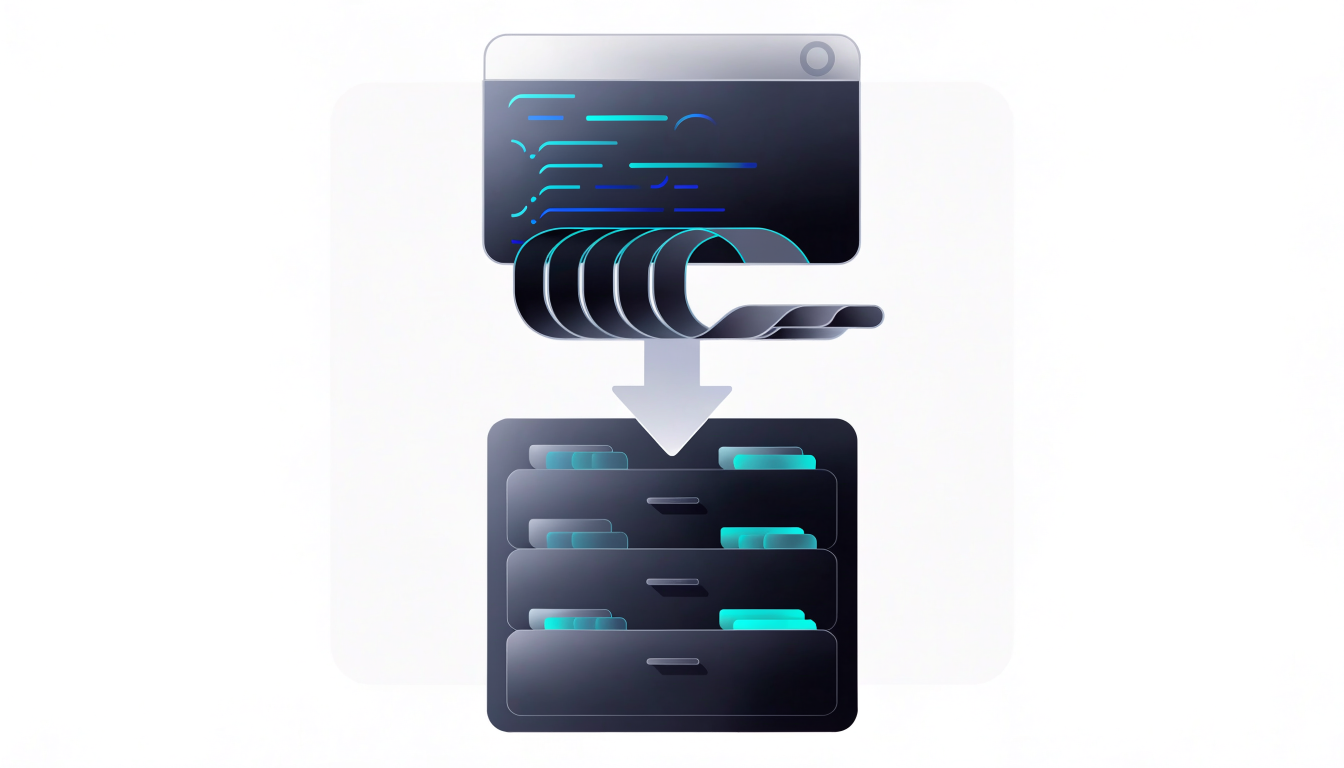
If you have ever opened a new Claude session only to re-explain your project structure, your coding conventions, and the bug you were chasing yesterday, you already understand the problem a Claude memory skill solves. Large language models are stateless by default: every conversation starts from zero, and everything you told the model in a previous session is gone unless you paste it back in. For developers using Claude Code or the Claude desktop app as a daily working tool, that amnesia turns into real friction — repeated context-setting, inconsistent decisions across sessions, and lost knowledge about your own codebase.
This guide explains how memory skills work, how the popular open-source claude-mem project approaches persistent memory for Claude Code, and how you can set up or build your own memory skill so Claude picks up where it left off.
Why Claude Forgets Everything Between Sessions
Claude, like every transformer-based assistant, has no built-in long-term storage. Within a single conversation, the model can reference everything you have said because the whole transcript fits inside its context window — the working memory of tokens the model can attend to at once. When the session ends, that window is discarded.
For casual chat this barely matters. For development work it matters a lot. A typical multi-day task — refactoring a service, debugging a flaky test suite, migrating a build system — spans many sessions. Without persistence, you face a choice: maintain a manual notes file and paste it into every session, or accept that Claude re-derives the same context each time, sometimes reaching different conclusions.
Anthropic has been adding native memory features to its products over time, including project-level knowledge in Claude Projects and memory capabilities in some consumer plans. But for Claude Code, the terminal-based coding agent, the community solution that emerged is to treat memory as a skill: a structured, file-based capability the agent can invoke to save and retrieve knowledge across sessions. That is the idea behind the claude-mem skill.
How the Claude Memory Skill Approach Works
The core insight is that Claude Code can read and write files on your machine. If you give it a convention for storing distilled knowledge — decisions, preferences, project facts, open threads — and a way to search that store later, you effectively give it long-term memory without changing the model itself.
A memory skill typically has three parts:
- A skill definition — a Markdown file (conventionally
SKILL.mdin Claude's skill system) that tells the agent when and how to use the memory capability. - A storage layer — files or a local database where memories are written. Simple versions use a directory of Markdown notes; more advanced versions use semantic search with embeddings so relevant memories surface automatically.
- Retrieval hooks — logic that injects relevant past context at the start of a session or when a query matches stored knowledge.
The open-source claude-mem project (available on GitHub) implements exactly this pattern for Claude Code. It compresses session activity into compact memory records, stores them locally, and makes them searchable so that a new session can be primed with what happened before. Because everything stays on your machine, it also avoids shipping your proprietary code context to a third-party memory service — an important consideration for teams working on private repositories.
Setting Up Memory for Claude Code
The most practical path for most developers is to install an existing memory plugin rather than build one from scratch. The general workflow looks like this:
First, make sure Claude Code is installed and running. Then install the memory plugin through Claude Code's plugin or marketplace mechanism, following the instructions in the project's README. Once installed, the skill registers itself so Claude Code knows a memory capability exists.
After installation, the behavior is mostly automatic: as you work, the skill records compressed summaries of what was done; when you start a new session, relevant memories are retrieved and injected into context. You can also steer it explicitly with natural language, for example asking Claude to "remember that we decided to use Vitest instead of Jest" or "what did we decide about the auth refactor last week?"
If you prefer a zero-dependency approach, you can build a minimal memory convention yourself using a plain Markdown file and Claude Code's existing configuration. A simple version looks like this:
# CLAUDE.md

## Project facts
- Monorepo using pnpm workspaces; packages live in /packages.
- API uses Fastify + Drizzle ORM against Postgres.
- Tests: Vitest. Run with `pnpm test --filter <pkg>`.

## Decisions
- 2025-01-10: Chose Drizzle over Prisma for smaller cold-start in serverless.
- 2025-01-14: Auth tokens stored in httpOnly cookies, not localStorage.

## Open threads
- Rate limiting on /api/upload still needs a design.
Placed at the project root, a CLAUDE.md file is automatically loaded as context by Claude Code at session start. This is not semantic memory — it is always-on context — but for many teams it covers 80% of the need. The tradeoff: everything in the file consumes context window on every session, so keep it tight and prune stale entries.
Writing an Effective Memory Skill Yourself
If the off-the-shelf tools do not fit your workflow, writing your own skill is straightforward. Claude's Agent Skills system uses a folder containing a SKILL.md file with YAML frontmatter (a name and description) followed by instructions the agent follows when the skill is relevant.
---
name: project-memory
description: >
  Save and retrieve durable project knowledge across sessions.
  Use when the user states a decision, preference, or fact that
  should persist, or asks what was previously decided.
---

# Project Memory

Memory store: `.memory/` directory in the project root.

## Saving memories
When the user states a durable decision or fact, append an entry
to `.memory/decisions.md` in this format:

- [YYYY-MM-DD] <one-sentence summary>. Context: <why>.

## Retrieving memories
When asked about past decisions, read all files in `.memory/`
and summarize the relevant entries. Never invent entries that
are not in the files.
A few lessons from how mature memory implementations handle this:
- Be selective about what gets saved. The biggest failure mode for memory systems is noise. If every message becomes a "memory," retrieval drowns in trivia and the context budget is wasted. Good skills compress: decisions, preferences, architecture facts, and unresolved questions — not conversation transcripts.
- Date-stamp everything. Knowledge goes stale. A decision recorded six months ago may have been reversed; timestamps let both you and the model judge relevance.
- Make retrieval explicit and verifiable. Instruct the skill to read from files rather than "recall" from training data. This keeps memory grounded in what was actually written, which matters when a memory informs a code change.
- Keep the store in version control — or deliberately out of it. Committing
.memory/shares team knowledge through the repo, but it also means personal notes and machine-specific paths get synced. Decide consciously; a.gitignoreentry is the alternative.
Limitations and When Memory Skills Are Not the Right Tool
Memory skills are powerful but not magic, and it is worth knowing their boundaries before you depend on them.
First, they consume context window budget. Retrieved memories compete with your actual code and conversation for the model's attention. Over-stuffed memory degrades performance the same way an over-stuffed system prompt does. Quality filtering matters more than volume.
Second, file-based memory is only as reliable as the agent's discipline in following the skill instructions. Skills are strong guidance, not hard guarantees — occasionally the model will skip the save step or paraphrase a decision inaccurately. Periodically reviewing the memory store (it is just files, after all) is a good habit, and correcting a wrong entry is as simple as editing the Markdown.
Third, memory is not a substitute for proper project documentation. If a decision affects how the whole team builds software, it belongs in your README, architecture decision records, or design docs — artifacts that outlive any AI tool. Memory skills are best understood as a personal working memory layer on top of, not instead of, real documentation.
Finally, consider the security angle. Anything written to a local memory store may contain fragments of your codebase or credentials mentioned in conversation. Keep the store on your machine, be cautious about syncing it to cloud storage, and never instruct the skill to record secrets.
Frequently Asked Questions
It is an open-source community project that adds persistent memory to Claude Code. It compresses what happens in your coding sessions into compact memory records, stores them locally, and retrieves relevant ones in future sessions so Claude does not start every conversation from scratch.
Anthropic has introduced memory features in some of its products, and Claude Code supports project-level context files like `CLAUDE.md` that are loaded automatically. However, a dedicated memory skill adds structured saving, compression, and retrieval across sessions, which static context files do not provide on their own.
With file-based skills and local tools like claude-mem, memories stay on your machine; the only external service involved is the Claude API itself, which processes your prompts as usual. Always check a specific tool’s documentation, but avoiding third-party memory cloud services is one of the main reasons developers prefer the local-file approach.
The skill mechanism is designed for Claude Code and agentic environments that can read and write files. For API-based applications, you would implement memory yourself — typically by storing embeddings of past interactions and injecting retrieved context into your prompts. The same design principles apply.
Less than you think. Aim for high-signal entries: decisions with rationale, stable project facts, and open questions. If your memory store grows into hundreds of entries, prune aggressively — stale or trivial memories actively hurt by consuming context and diluting retrieval.
Conclusion
Persistent memory turns Claude from a stateless assistant into a collaborator that accumulates knowledge about your project over time. The pattern is simple: a skill definition tells the agent how to save and retrieve knowledge, a local store holds the compressed results, and retrieval primes each new session with relevant history. Whether you install the claude-mem plugin, rely on a CLAUDE.md context file, or write your own SKILL.md, the key discipline is curation — save decisions and facts, not noise. A good next step: open your most active project, create a memory store with three entries (one decision, one project fact, one open question), and see how much faster your next Claude session starts.
Transparency Note: Links in this article are not affiliate links. I recommend these tools and platforms based on their relevance to the topic, and no compensation is received for including them.