
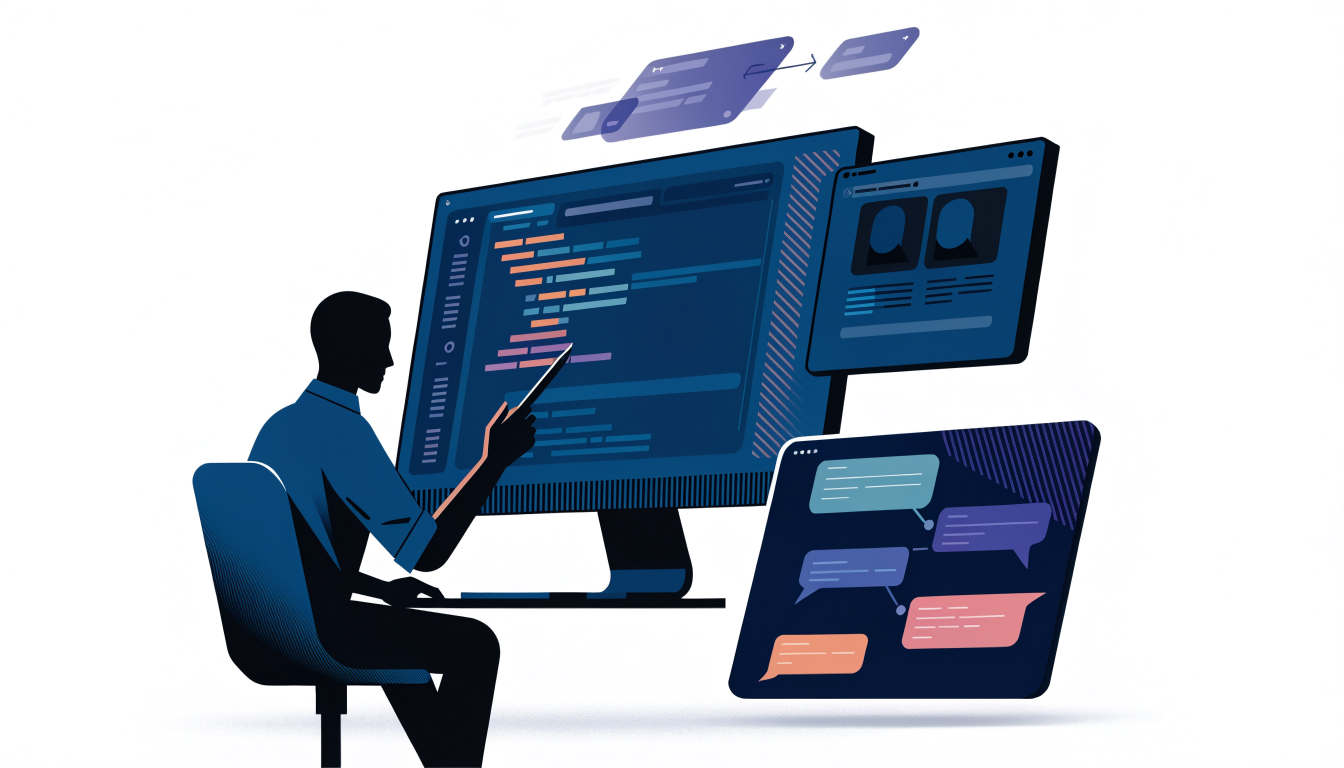
Building a web application with AI assistance is no longer an experiment — it is now a normal part of how modern teams write code. Whether you are scaffolding a new React project, debugging a stubborn API integration, or generating boilerplate for a full-stack app, AI-assisted development can meaningfully cut the time between idea and working software. But the tools only pay off when you use them deliberately. This guide walks through a realistic workflow for web app development using AI: choosing the right tools, structuring your prompts, integrating AI into your editor and deployment pipeline, and avoiding the mistakes that turn AI from an accelerator into a liability.
Choosing the Right AI Tools for Your Workflow
The AI coding landscape falls into three broad categories, and most productive developers use at least one from each.
First, there are AI code completion tools embedded directly in your editor. GitHub Copilot is the most established option, offering inline completions and chat inside VS Code, JetBrains IDEs, and Neovim. Cursor IDE takes a similar idea further by building an entire editor around AI, with codebase-aware chat, multi-file edits, and agent-style refactoring. These tools shine when you already know what you want to build and simply want to type less.
Second, there are conversational assistants like Claude and ChatGPT. These are better suited to architecture discussions, explaining unfamiliar code, generating longer documents such as API specifications, and reasoning through tradeoffs before you write anything. A common pattern is to design and plan in a chat interface, then implement in your editor with completions.
Third, there are AI-powered deployment and infrastructure platforms. Vercel, for example, pairs AI-friendly tooling with preview deployments, which matters more than it sounds: when AI generates code quickly, you need fast, automated feedback loops to verify that the code actually works.
A practical recommendation: if you are new to AI-assisted development, start with one editor-integrated tool and one chat assistant. Adding more tools before you have habits around reviewing AI output tends to produce more noise than value.
Setting Up an AI-Assisted Project the Right Way
AI tools perform dramatically better when your project gives them context. Before generating a single component, invest a few minutes in the files that AI models actually read.
Create a repository-level instructions file. Copilot reads a .github/copilot-instructions.md, and Cursor supports project rules in .cursor/rules. Use these files to state your conventions explicitly:
# Project conventions

- Stack: Next.js 14 (App Router), TypeScript, Tailwind CSS, Prisma
- All data fetching happens in server components; client components
  are only used for interactivity
- Use Zod for validating all external input
- Prefer named exports; no default exports except page/layout files
- Error handling: never swallow errors; surface them via the
  `Result` pattern in `src/lib/result.ts`
This kind of file is the single highest-leverage thing you can do. Without it, an AI assistant will happily generate default exports, client-side fetching, and unvalidated input — all technically valid, all inconsistent with your architecture.
Second, keep your type definitions and interfaces accurate. AI models rely heavily on the types visible in your codebase. If your TypeScript types are stale or use any liberally, completions will drift accordingly. Tight types act as guardrails that constrain generated code to something plausible.
Third, commit small and often. AI-generated code is easiest to review in small chunks. A 40-line generated function with a clear diff is verifiable; a 600-line generated module is where bugs hide.
A Realistic Implementation Workflow
Here is how a typical feature flows through an AI-assisted workflow, using a concrete example: adding a "saved articles" feature to a Next.js app.
Start in your chat assistant with a design-level prompt. Instead of "write a saved articles feature," describe constraints and ask for a plan:
I'm adding a "saved articles" feature to a Next.js 14 App Router app
using Prisma and PostgreSQL. Users can save/unsave articles and view
a saved list. Draft a schema, list the API routes needed, and note
any edge cases around optimistic UI updates. Don't write full code yet.
Asking for a plan before code is a deliberate choice. It forces the model to surface decisions — schema shape, route structure, edge cases — while they are still cheap to change. You can correct the plan in one sentence instead of rewriting generated code.
Once the plan looks right, move to your editor. With Copilot or Cursor, write the schema first and let the tool infer the rest:
// prisma/schema.prisma
model SavedArticle {
  id        String   @id @default(cuid())
  userId    String
  articleId String
  createdAt DateTime @default(now())

  user    User    @relation(fields: [userId], references: [id])
  article Article @relation(fields: [articleId], references: [id])

  @@unique([userId, articleId])
  @@index([userId])
}
The composite unique constraint is worth highlighting: AI models frequently generate save/unsave schemas without it, which allows duplicate saves under concurrent requests. This is a good example of why you review generated code rather than accepting it — the model optimizes for the happy path.
Next, implement the route handler. Prompt with your conventions included:
Create a POST route handler at /api/articles/[id]/save following
our project conventions: Zod validation, server-side auth check via
getServerSession, and the Result pattern for errors.
Then review the output the way you would review a junior developer's pull request. Check the auth logic, the validation, and the error responses. AI-generated route handlers are usually structurally correct but occasionally miss authorization checks — the most dangerous class of bug to ship.
Finally, use AI for the unglamorous parts: generating test cases, writing seed data, and producing the optimistic UI update logic. These tasks have clear correctness criteria, which makes AI output easy to verify.
Where AI Helps Most — and Where It Falls Short
Being honest about the limits matters as much as celebrating the gains.
AI is strongest at high-context, low-novelty work: CRUD endpoints, form validation, standard UI components, regex, configuration files, and translating code between languages or frameworks. It is also excellent at explaining code you did not write — onboarding onto an unfamiliar legacy codebase is one of the highest-value uses of a codebase-aware assistant.
AI is weakest at novel architecture, cross-cutting concerns, and anything requiring runtime knowledge. It cannot know that your production database has a slow query pattern, that your CDN caches aggressively, or that a third-party API changed its response shape last week. It also tends to produce plausible-but-wrong code for newer framework APIs, because training data lags behind framework releases. When a library shipped a breaking change six months ago, an AI assistant may still generate code for the old API — always verify against the official documentation, such as the Next.js docs or the Prisma docs, rather than trusting generated snippets blindly.
There is also a skill-atrophy risk worth taking seriously. Developers who accept completions without understanding them accumulate codebases they cannot debug. A useful rule: if you cannot explain what a generated block of code does, do not commit it.
Production Considerations and Common Mistakes
Moving AI-assisted code to production introduces concerns that do not exist in a demo.
Security review is non-negotiable. AI-generated code can include hardcoded secrets, missing input validation, or vulnerable patterns copied from outdated training data. Run generated code through the same review and scanning pipeline as human code — static analysis, dependency auditing, and secret scanning should all apply.
Watch for hallucinated dependencies. AI models occasionally import packages that do not exist, or exist but are unmaintained. Before installing anything an AI suggested, verify it on npm and check its maintenance status. This is a real supply-chain concern, not a theoretical one.
Keep humans accountable for architecture. A common failure mode is letting AI decisions accumulate until the codebase has three different state-management patterns and two styling systems. Architecture decisions should remain explicit human choices, documented in your project rules file, with AI executing within those boundaries.
Use fast feedback loops. Pair AI generation with automated tests, type checking, and preview deployments. Vercel's preview deployments, for instance, let you verify every AI-generated change in a realistic environment before merging — a workflow detail that becomes essential when you are producing code faster than you can manually test it.
Finally, mind your data. If your codebase contains proprietary logic or credentials, understand what your AI tool does with that context. Most major tools offer modes that exclude your code from training, but this is a setting you should verify, not assume.
Frequently Asked Questions
AI can generate a substantial portion of a web application — components, API routes, schemas, and configuration — but a complete, production-ready application still requires human decisions about architecture, security, deployment, and edge cases. The realistic model is AI as a fast collaborator that handles well-defined tasks while you own design decisions, review, and accountability. Fully autonomous generation works for prototypes and demos, not for software you intend to maintain.
Yes. AI tools are most effective in the hands of developers who can read code critically, spot incorrect patterns, and debug when generated code fails. Without that foundation, you cannot evaluate whether the output is correct or safe. AI changes the ratio of writing to reviewing, but it does not remove the need for engineering judgment.
Both are strong, and the difference is mostly workflow preference. Copilot integrates into editors you may already use and offers solid inline completions and chat. Cursor is built around AI from the ground up, with deeper codebase-aware editing and agent-style multi-file changes. A reasonable approach is to try both briefly and pick the one that fits your existing habits — switching cost is low, and consistency of use matters more than the specific tool.
It depends on the tool and its configuration. Major providers generally offer settings that prevent your data from being used for model training, and some enterprise plans include stricter data handling. Before pasting anything sensitive, review the tool’s data policy, avoid sharing credentials or secrets, and prefer editor-integrated tools with explicit privacy controls for proprietary codebases.
State your exact versions in prompts and project rules files, for example “Next.js 14 App Router, not Pages Router.” Keep your installed dependencies current so the code context the model sees reflects the modern API. Most importantly, verify generated code against official documentation when it touches APIs that changed recently — training data lag is a known limitation of every AI coding tool.
Conclusion
Web app development using AI works best as a disciplined collaboration rather than a handoff. The winning pattern is consistent: give your tools project-level context, plan before you generate, review AI output like a pull request from a talented but overconfident teammate, and back everything with tests and fast preview deployments. Start small — pick one feature in your current project, write a project rules file, and run it through the workflow described above. Within a few iterations you will have a clear sense of where AI saves you real time in your stack and where it needs close supervision, which is the knowledge that actually compounds.
Transparency Note: This article contains no affiliate links. No compensation was received for the mentions in this article.